Understanding Network Devices
Start With the Big Picture
How does the internet reach your home or office?
When you open a website, data travels through multiple devices, each with a very specific job.
None of them are optional in real systems — they work together.
High-level flow:
Internet → Modem → Router → Switch → Devices / Servers
Let’s break this down one device at a time.
What Is a Modem and How It Connects You to the Internet?
A modem is the device that connects your local network to your Internet Service Provider (ISP).
Responsibility (one line)
Modem = translator between ISP signals and your network
Your ISP sends data using:
Fiber signals
Cable signals
DSL signals
Your devices don’t understand those formats.
The modem converts them into usable digital data.
Important clarification
Modem does NOT manage traffic
Modem does NOT decide destinations
It only connects you to the internet
What Is a Router and How It Directs Traffic?
A router decides where data should go.
Responsibility
Router = traffic police of the network
It:
Assigns local IP addresses
Sends data to the correct device
Connects your local network to the modem
Routes packets between networks
Example:
Laptop requests Google
Router forwards request to modem
Response comes back
Router sends it to the correct laptop
Internet to Device Flow (Typical Setup)

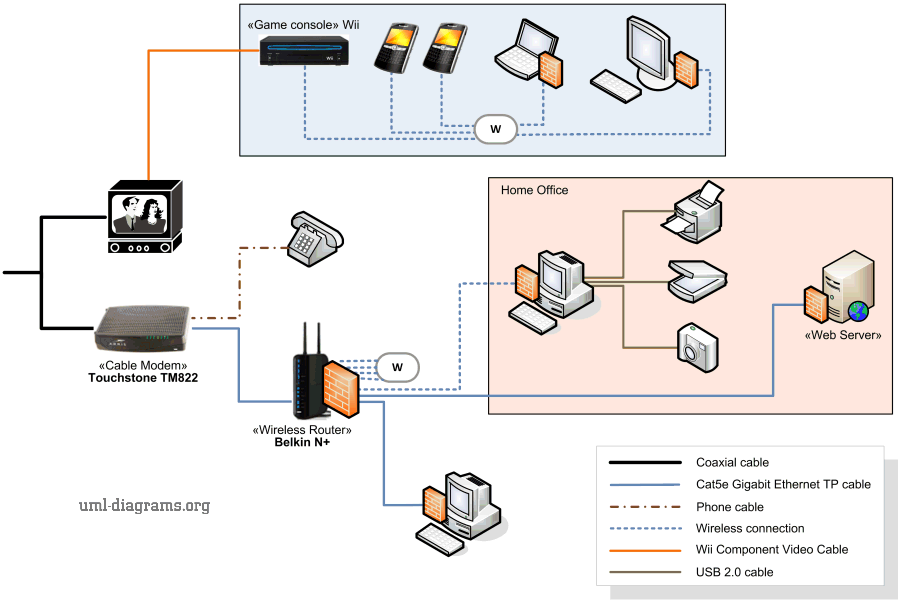
Switch vs Hub: How Local Networks Actually Work
Both hub and switch connect multiple devices, but they behave very differently.
What Is a Hub?
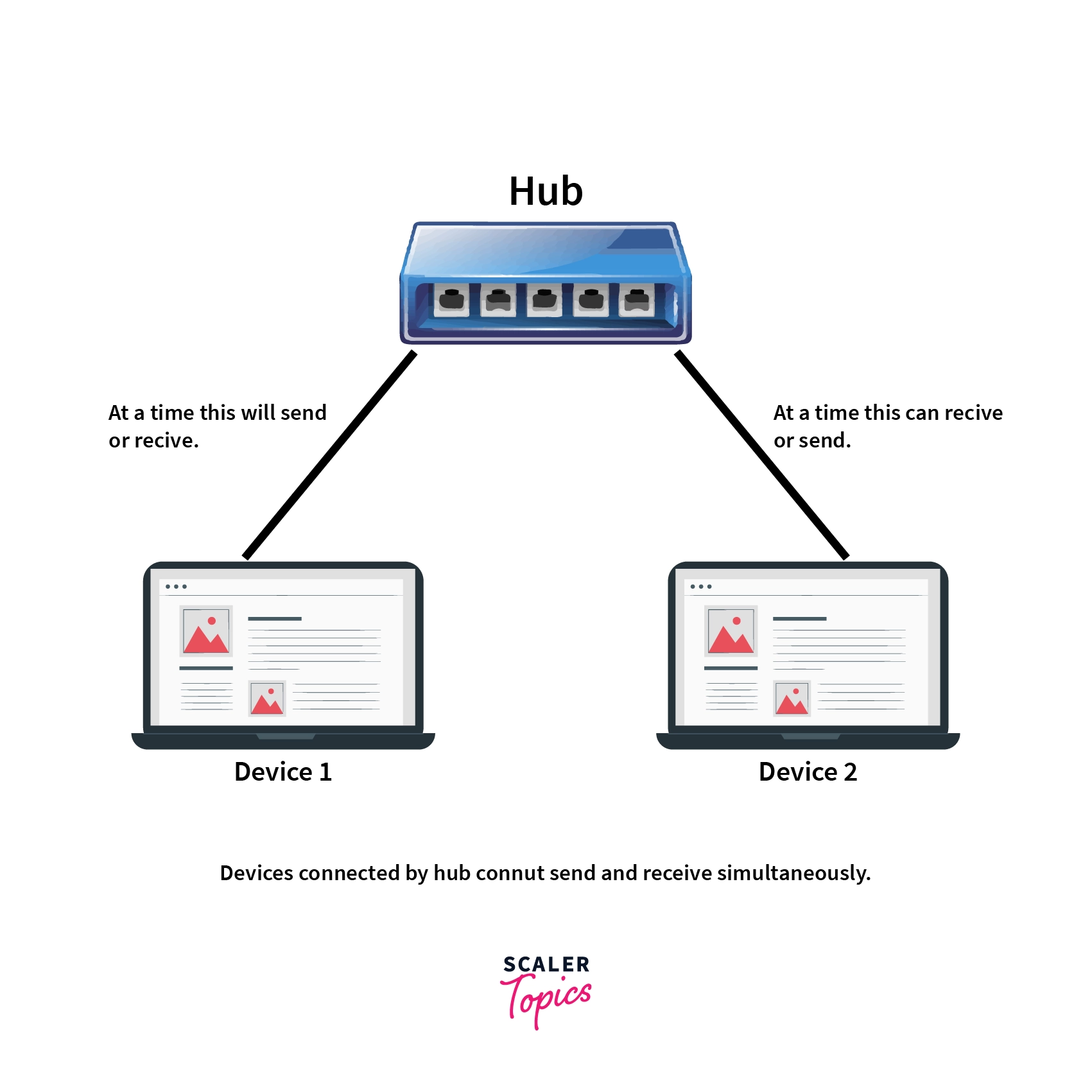
A hub is a very basic device.
How it works
Receives data
Sends it to every device
No intelligence
Analogy:
A person shouting in a room so everyone hears the message
Problems:
Wastes bandwidth
Security risk
Almost obsolete today
What Is a Switch?
A switch is a smarter device used in real networks.
How it works
Learns device addresses
Sends data only to the target device
Efficient and secure
Analogy:
Delivering a letter directly to the correct house
Hub vs Switch (Visual Difference)
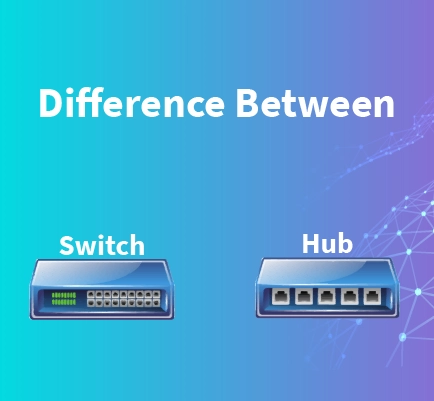

| Feature | Hub | Switch |
| Sends data to | Everyone | Only target |
| Intelligence | None | High |
| Used today | Rare | Everywhere |
What Is a Firewall and Why Security Lives Here?
A firewall controls what traffic is allowed or blocked.
Responsibility
Firewall = security gate
It:
Allows trusted traffic
Blocks malicious traffic
Protects internal systems
Applies security rules
Firewalls can exist:
In routers
As separate hardware
As cloud services
Without firewalls, networks are open targets.
Firewall Placement in a Network
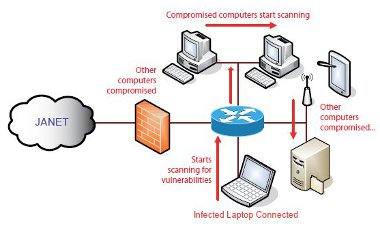


Think of it as:
Every packet must pass through security before entering the system.
What Is a Load Balancer and Why Scalable Systems Need It?
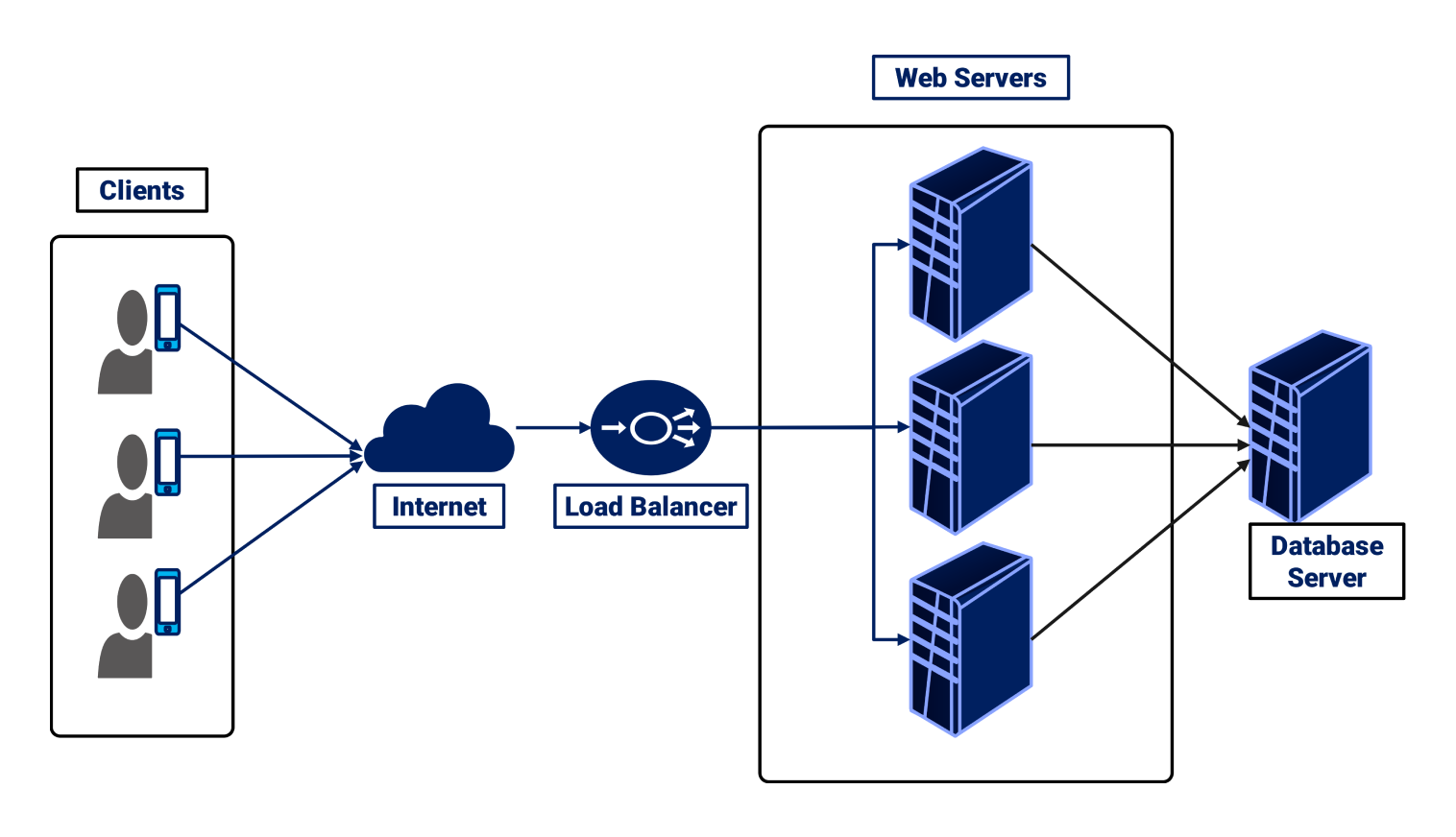
A load balancer sits in front of multiple servers.
Responsibility
Load balancer = traffic distributor
Instead of one server handling everything:
Traffic is spread across many servers
Systems stay fast
Failures are handled gracefully
Analogy:
Toll booth with multiple lanes instead of one
Load Balancer in Action
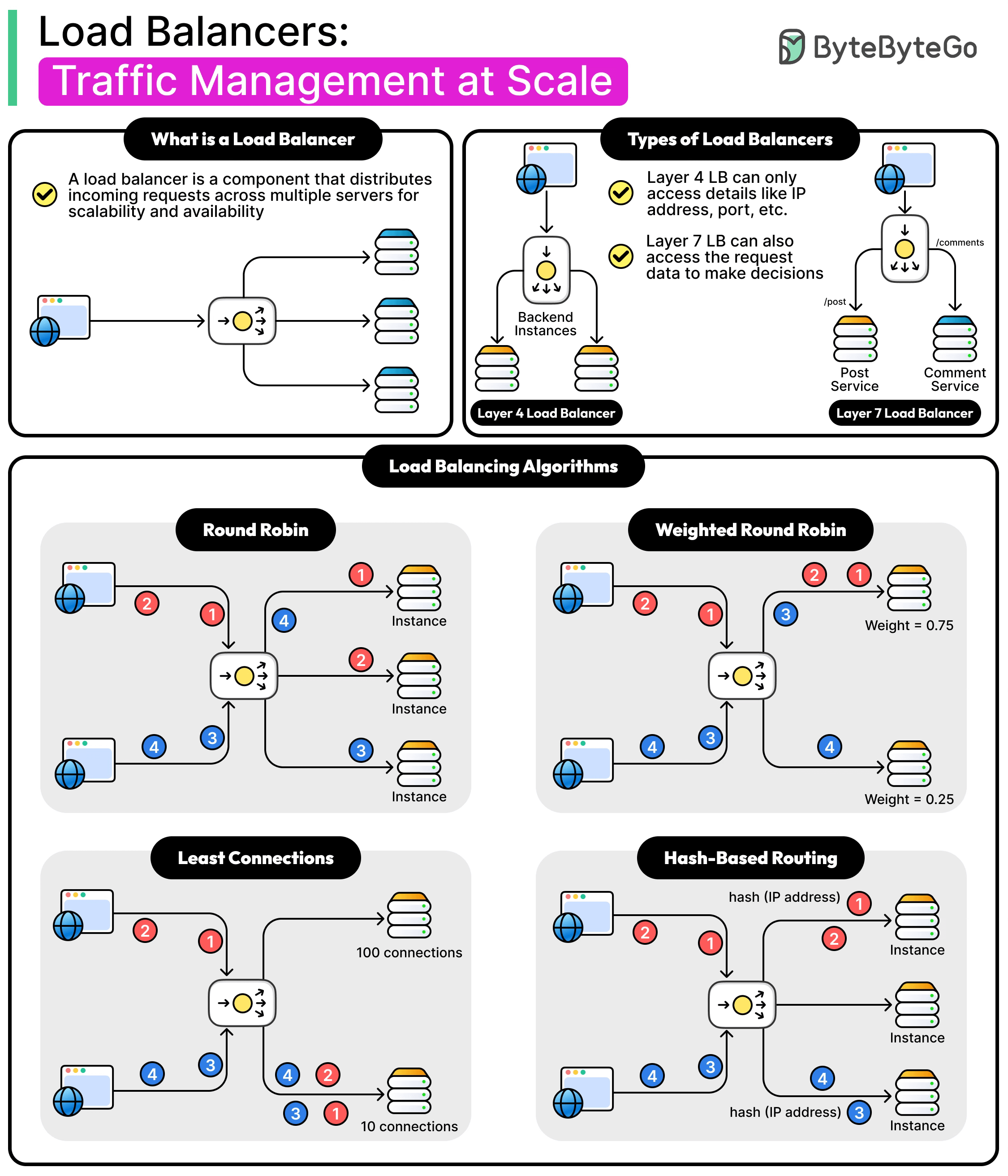
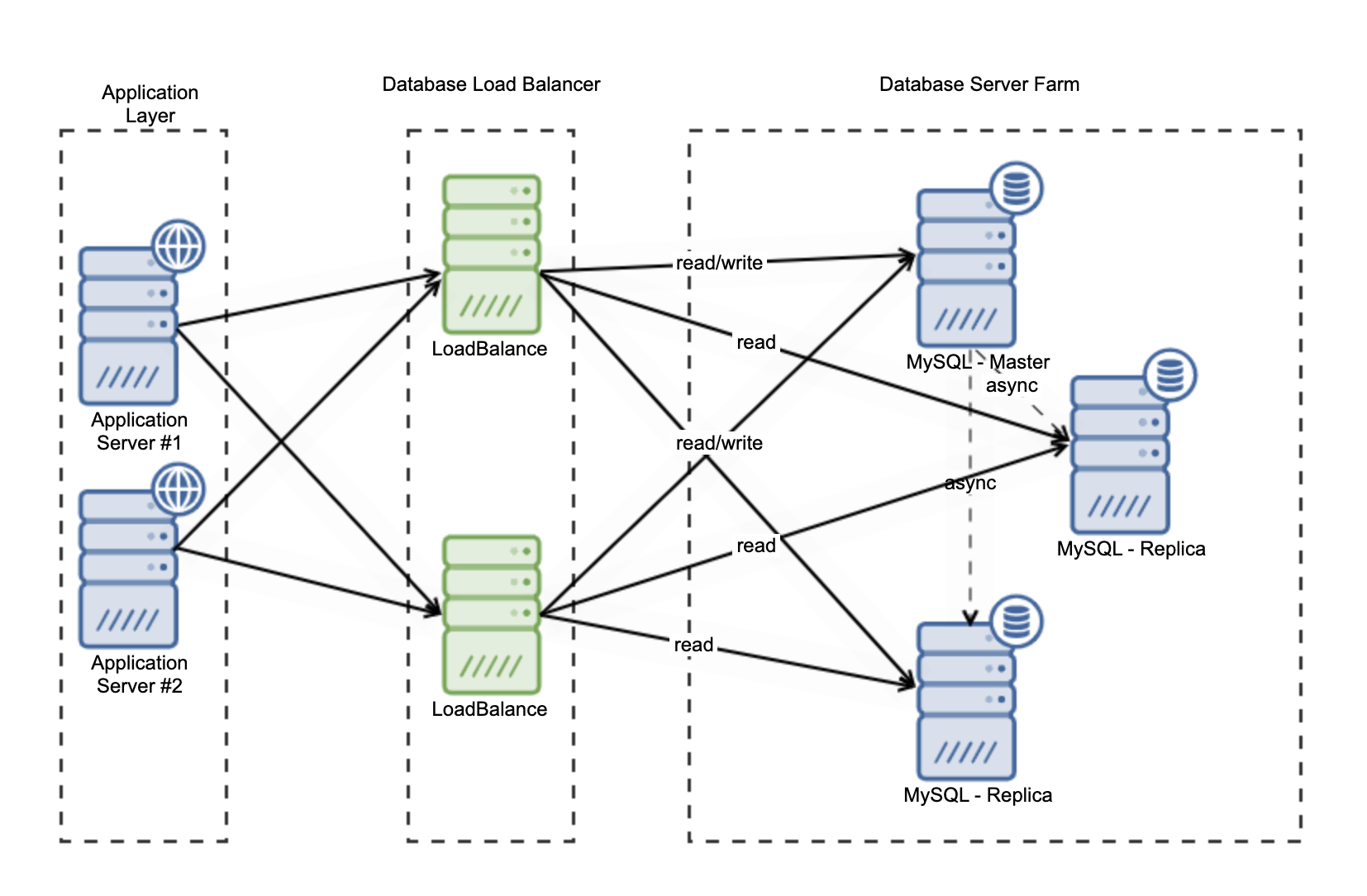
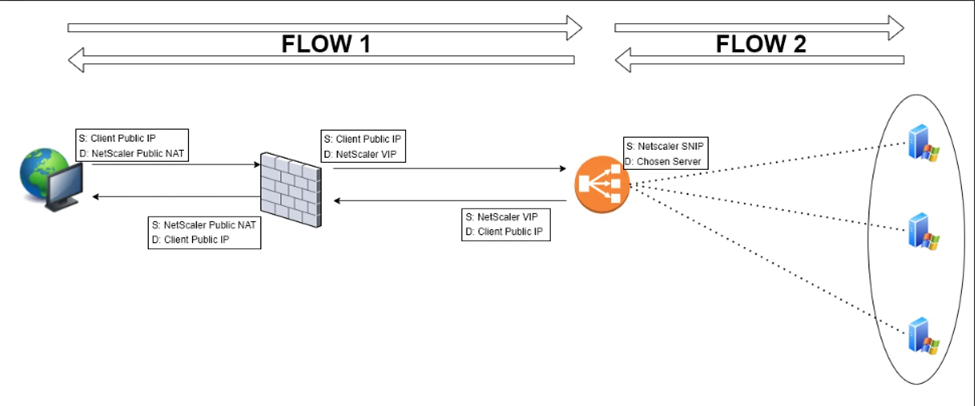
If one server goes down:
Load balancer stops sending traffic to it
Users don’t notice
This is critical for:
High traffic websites
APIs
Fintech and SaaS systems
How All These Devices Work Together (Real World)
Let’s combine everything.


End-to-End Flow
Internet traffic reaches the modem
Router directs it to the correct network
Firewall checks security rules
Load balancer distributes requests
Switch connects internal servers
Application responds
Every step has a single responsibility.
Why This Matters for Software Engineers
Even if you write only code:
APIs depend on routers and firewalls
Scalability depends on load balancers
Downtime often starts at the network level
Understanding this helps with:
Debugging production issues
Designing scalable systems
Communicating with DevOps teams
Final Mental Model (Keep This)
Modem → connects you to ISP
Router → directs traffic
Switch → connects devices efficiently
Firewall → protects the network
Load Balancer → scales applications
You don’t need to memorize hardware models.
You just need to understand who does what.