Understanding HTML Tags and Elements
What HTML Is and Why We Use It
HTML stands for HyperText Markup Language.
HTML is used to create the structure of a webpage.
Think of a webpage like a building:
HTML = skeleton / structure
CSS = design
JavaScript = behavior
Without HTML, a webpage has nothing to show.
HTML as the Skeleton of a Webpage
HTML decides:
What is a heading
What is a paragraph
What is an image
What is a button
Browsers read HTML and display content based on it.
What Is an HTML Tag
An HTML tag is a keyword written inside angle brackets < >.
Example:
<p>
Tags tell the browser what kind of content it is dealing with.
Opening Tag, Closing Tag, and Content
Most HTML tags come in pairs.
Example:
<p>Hello World</p>
<p>→ opening tag</p>→ closing tagHello World→ content
Together, they form something meaningful.
What an HTML Element Means
An HTML element includes:
Opening tag
Content
Closing tag
Example:
<h1>Welcome</h1>
Here:
<h1>= tagWelcome= contentEntire line = HTML element
Important Difference
Tag → just the markup (
<p>)Element → tag + content + closing tag
HTML Tag vs Element (Visual Idea)


Self-Closing (Void) Elements
Some HTML elements do not have content, so they don’t need a closing tag.
Examples:
<img src="image.jpg">
<br>
<hr>
<input>
These are called:
Self-closing elements
Void elements
They exist to perform a single job, like showing an image or breaking a line.
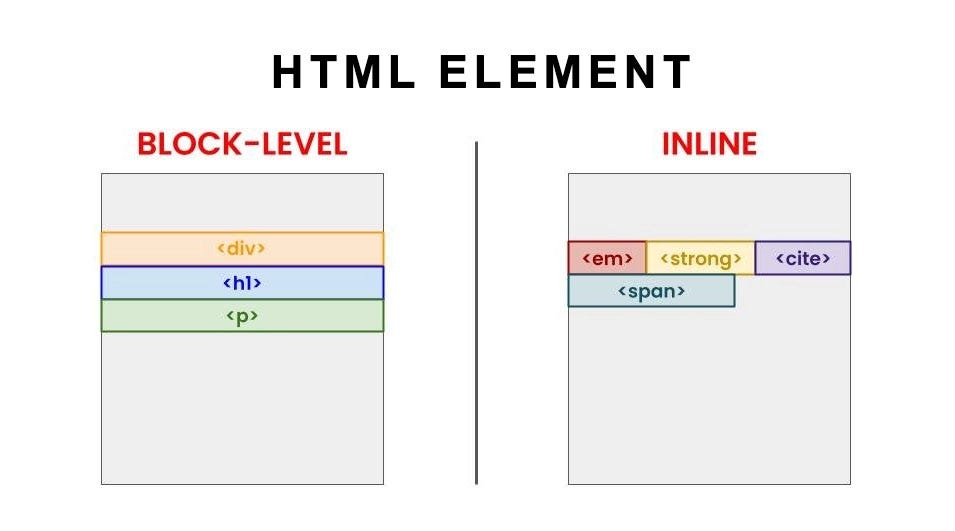
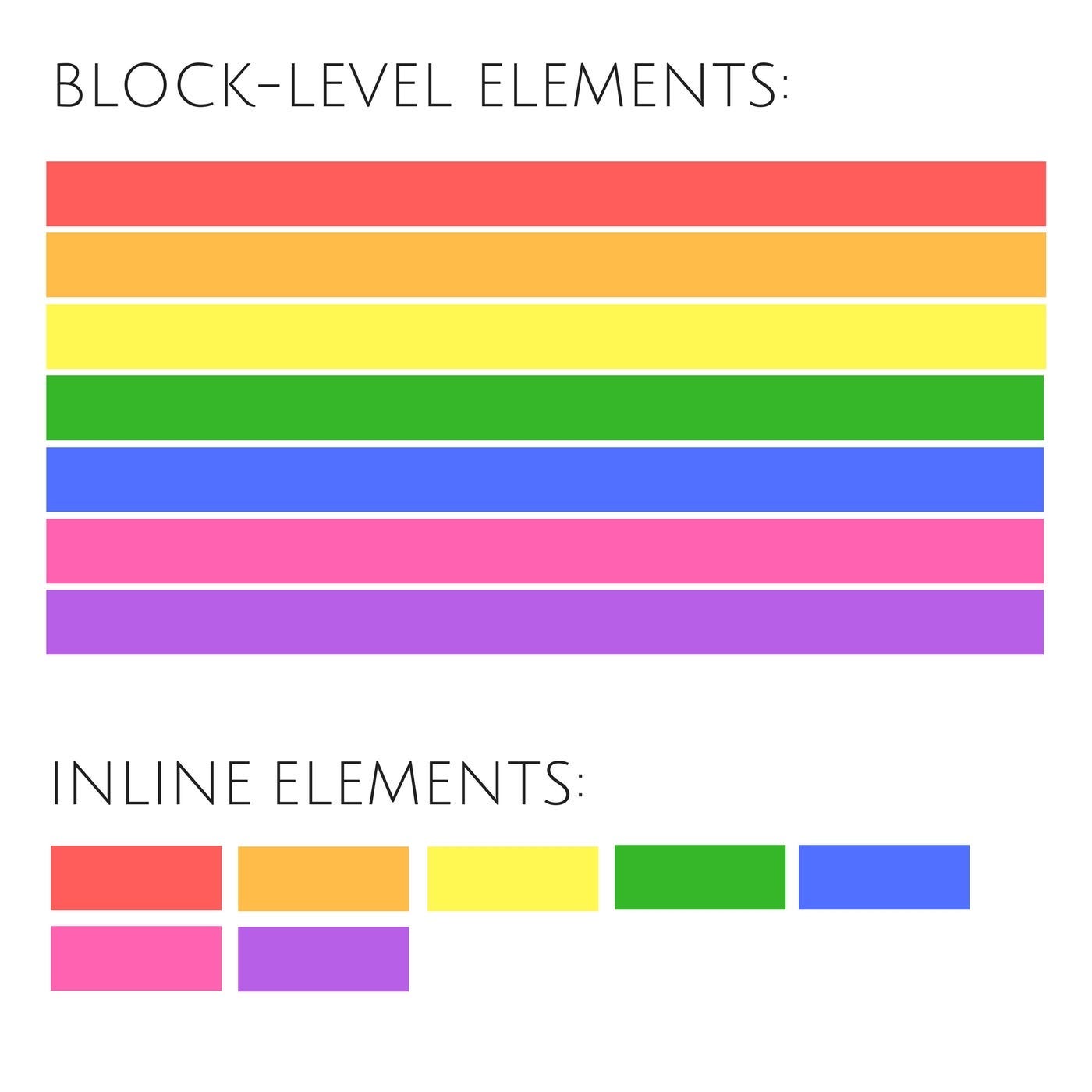
Block-Level vs Inline Elements
Block-Level Elements
Take full width
Always start on a new line
Examples:
<h1>
<p>
<div>
Inline Elements
Take only required width
Stay in the same line
Examples:
<span>
<a>
<strong>
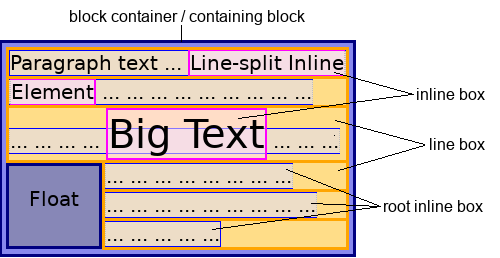
Block vs Inline Layout (Visual Idea)
Simple Examples (Beginner Level)
Paragraph
<p>This is a paragraph</p>
Heading
<h1>Main Heading</h1>
Div (Container)
<div>
  Content here
</div>
Span (Inline Text)
<p>This is <span>important</span> text</p>
Commonly Used HTML Tags (Start Here)
| Tag | Purpose |
<h1> | Main heading |
<p> | Paragraph |
<div> | Container |
<span> | Inline text |
<img> | Image |
<a> | Link |
<br> | Line break |
These tags cover most beginner needs.
Encourage: Inspect HTML in the Browser
You don’t have to guess how HTML works.
Steps:
Open any website
Right-click → Inspect
Look at the HTML structure
This is one of the best ways to learn HTML faster.
Key Takeaways for Beginners
HTML is the foundation of every webpage
Tags describe content
Elements are complete structures
Block and inline elements behave differently
Master basic tags before moving forward