Getting Started with cURL
Start With the Basics: What Is a Server?
A server is just a computer on the internet that:
Stores data
Runs applications
Responds when someone asks for something
When you open a website, your browser talks to a server and asks:
“Give me this page”
The server replies with data.
This “talking” happens using HTTP requests and responses.
What Is cURL? (Very Simple)
cURL is a tool that lets you talk to a server from the terminal.
Instead of using a browser:
You type a command
cURL sends a request to a server
The server sends a response
cURL shows you the result
In one line:
cURL = a way to send HTTP requests without a browser
Why Programmers Need cURL
Programmers use cURL to:
Test APIs
Check if a server is working
Send requests without opening a browser
Debug backend issues
Learn how HTTP really works
cURL is especially useful in:
Backend development
API testing
DevOps and server work
Where cURL Fits (Big Picture)

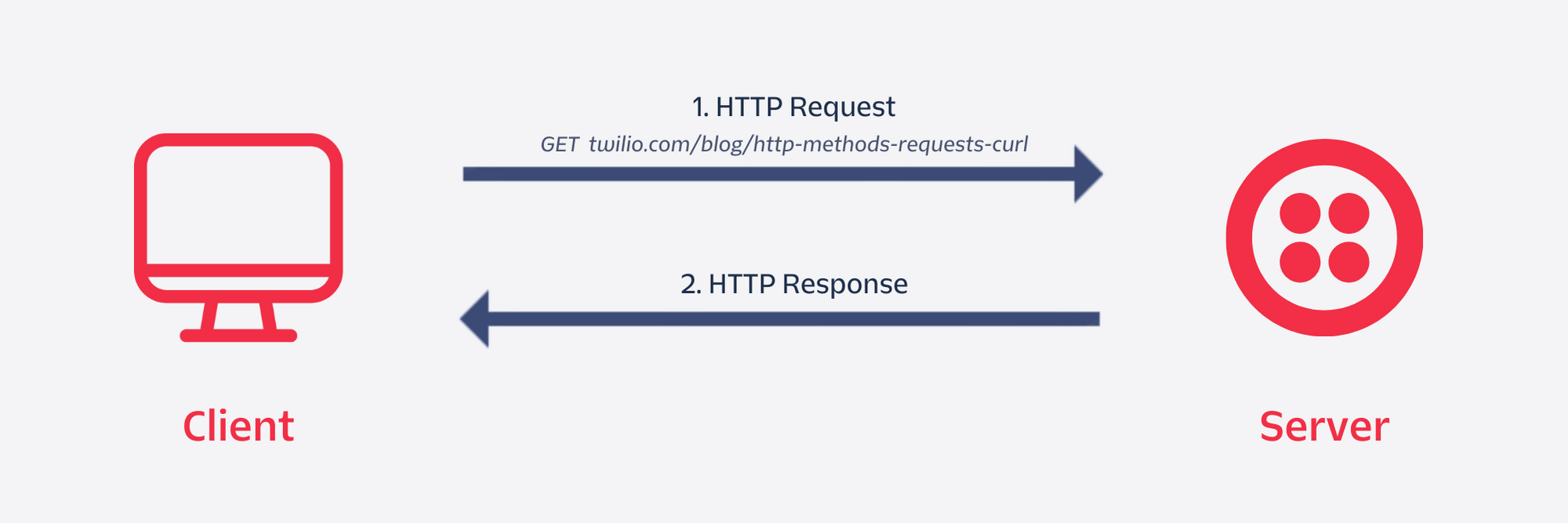
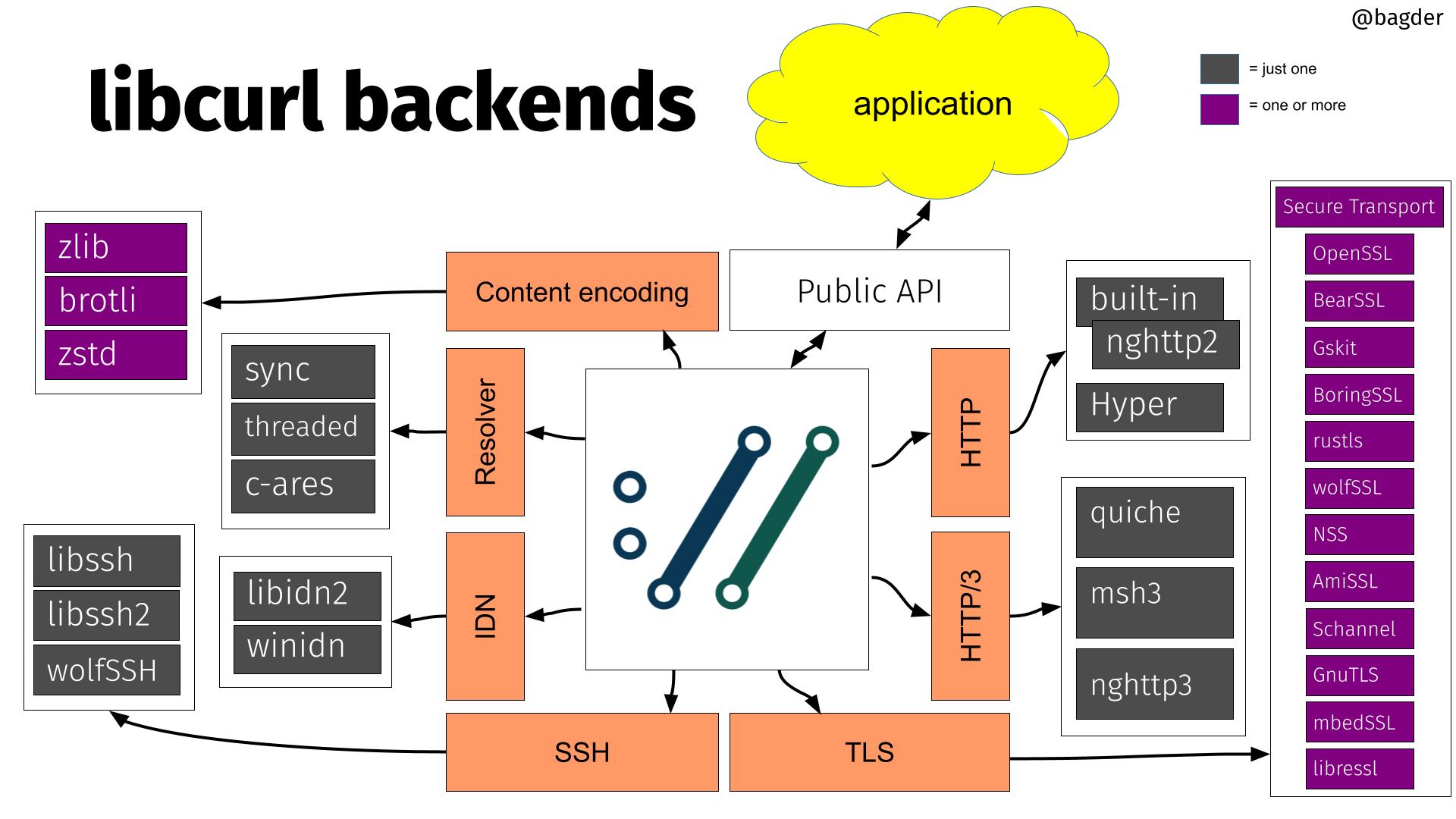
Browser and cURL both:
Send requests
Receive responses
Difference:
Browser shows a webpage
cURL shows raw data
Making Your First cURL Request
Let’s start with the simplest possible example.
Command
curl https://example.com
What happens:
cURL sends a GET request
Server sends back HTML
cURL prints it in the terminal
You just fetched a webpage without a browser.
What Is Actually Happening Here?
Behind the scenes:
cURL → “Hey server, give me this page”
Server → “Here is the data”
cURL → Displays the response
This is the core idea of cURL.
Understanding Request and Response
Request (What You Send)
Includes:
Method (GET, POST)
URL
Optional data
Example:
“GET /users”
Response (What You Get Back)
Includes:
Status code (200, 404, etc.)
Data (HTML, JSON, text)
Basic HTTP Request & Response Structure
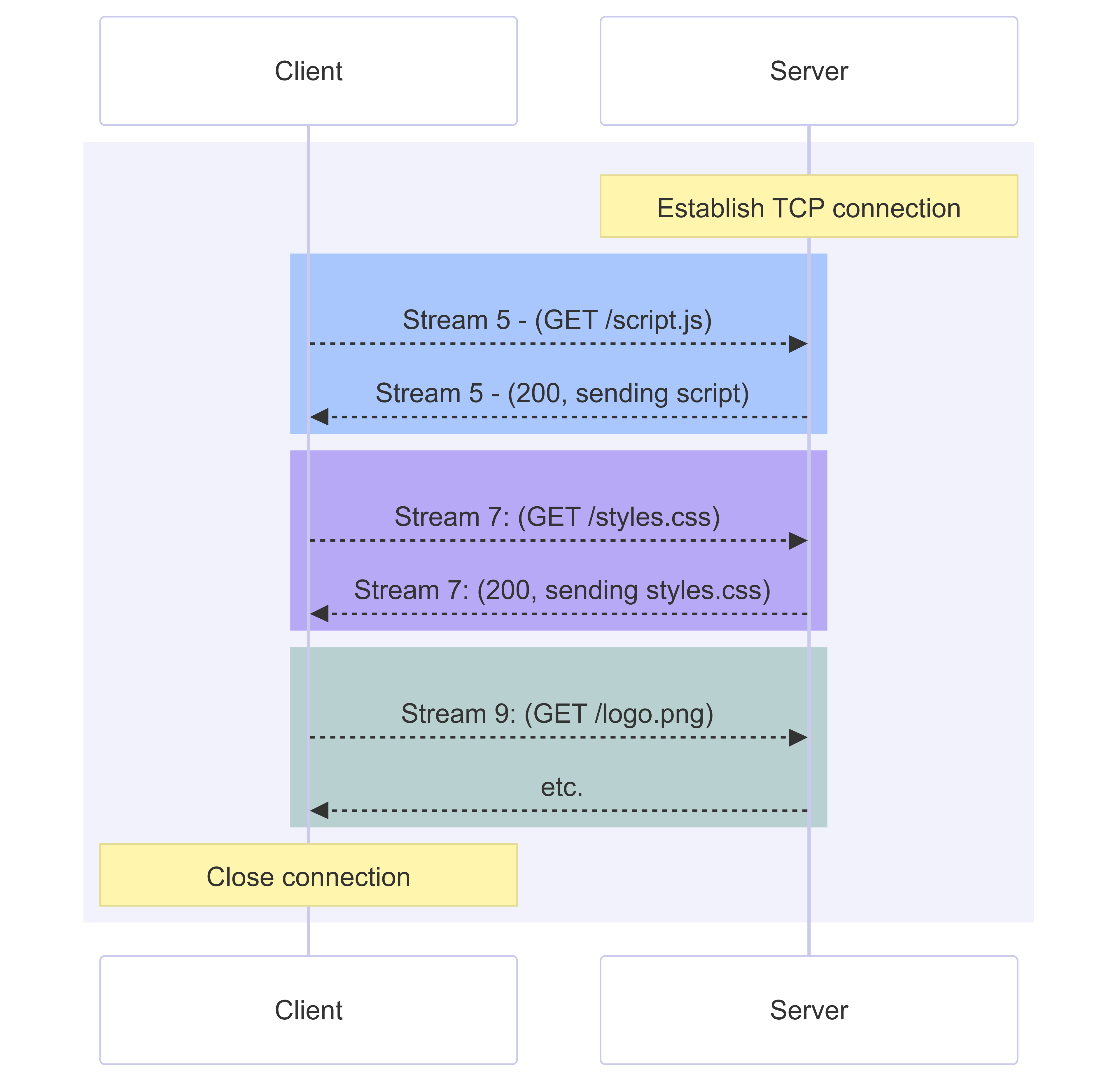
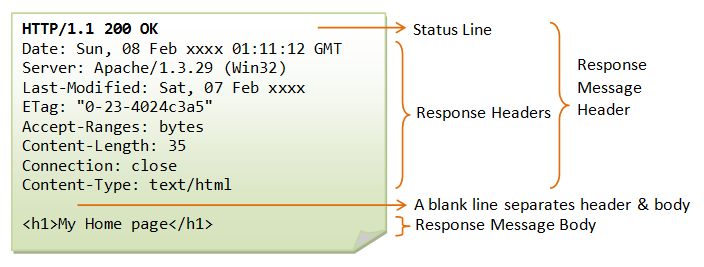

You don’t need to memorize this yet. Just know:
Request → ask
Response → answer
Using cURL to Talk to APIs
APIs usually return JSON, not HTML.
Example:
curl https://api.example.com/users
Possible response:
[
  { "id": 1, "name": "John" },
  { "id": 2, "name": "Jane" }
]
This is how developers talk to APIs directly.
GET and POST (Only the Basics)
GET – Asking for Data
curl https://api.example.com/users
Use GET when:
You want to fetch data
You are not changing anything
POST – Sending Data
curl -X POST https://api.example.com/users
Use POST when:
You want to send data
You want to create something
Details can come later. For now:
GET = get
POST = send
Browser Request vs cURL Request (Conceptual)
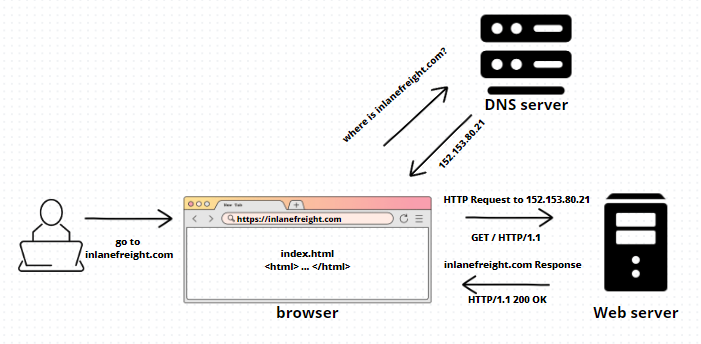

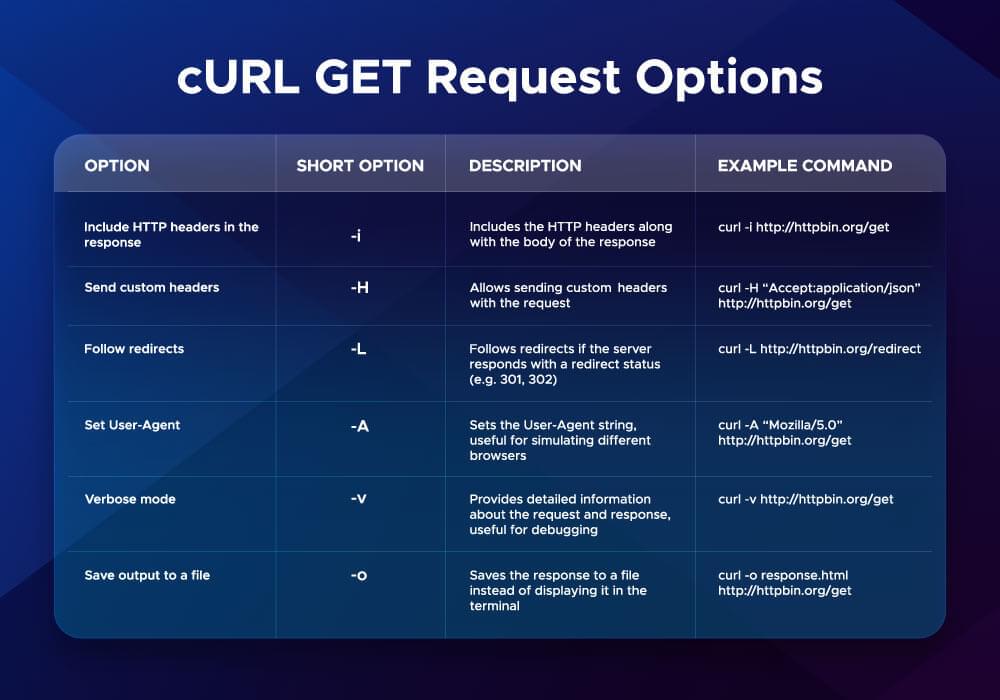
Browser: automatic, visual
cURL: manual, raw, honest
cURL shows what the server really sends.
Common Mistakes Beginners Make
Expecting cURL to look like a webpage
Getting scared by raw JSON or HTML
Using too many flags too early
Confusing GET and POST
Thinking errors mean failure (they mean learning)
Errors are normal with cURL.
Key Reassurance
You don’t need to remember commands
You don’t need to master flags
Understanding the idea is enough for now
Once the idea is clear, commands become easy.
Final Takeaway
cURL is not complicated.
It is simply:
A way to send messages to a server and read the reply
If you understand that, you are already on the right path.